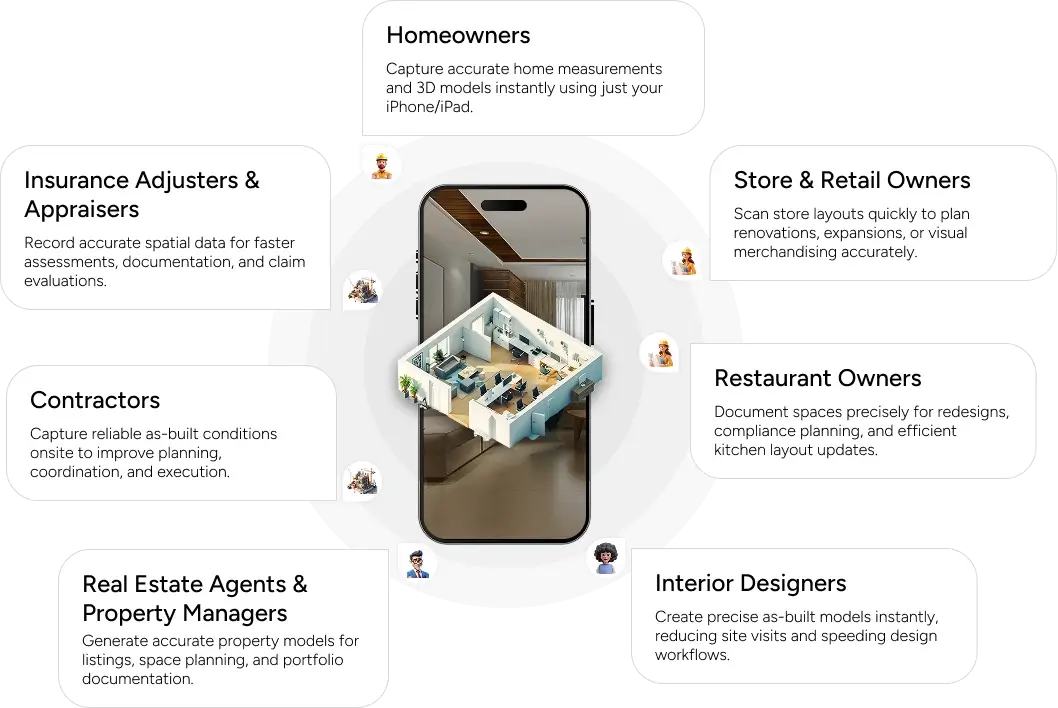
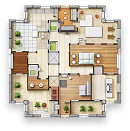
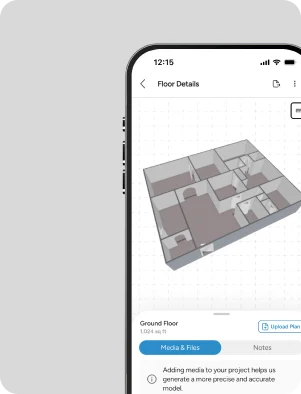
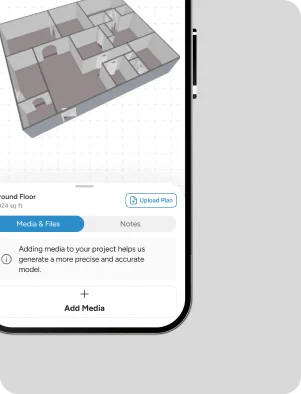
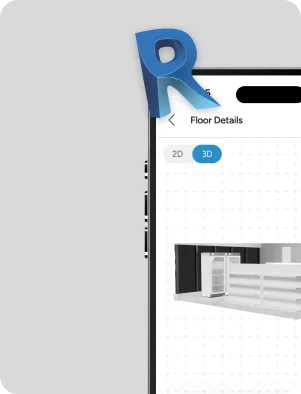
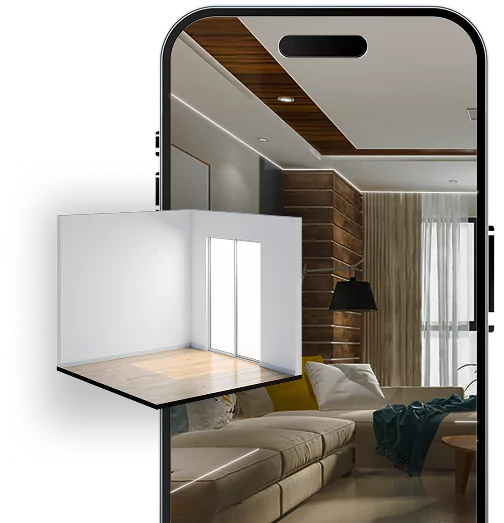
Turn your home or a store into a 3D model using just your LiDAR-capable iPhone/iPad. Get an instant floor plan and upgrade to contractor-ready CAD/Revit models – without the heavy architect fees.
Redesign your layout, interiors, and fixtures for small to mid-sized stores, salons, cafes, clinics, and more.
Property Appraisers / Inspectors
Quickly create 3D views and floor plans to support reports, valuations, and documentation.
Why Mapperty Spaceview?
Faster valuations. Smarter insights. All, in one app.
Instant 3D from Your Phone/Tab
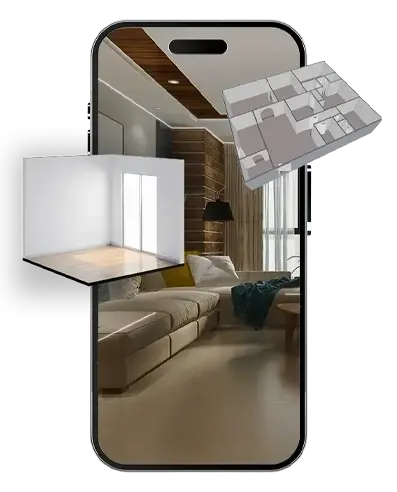
Scan your space with your iPhone/iPad and get a real-time 3D model and floor plan- no extra equipment needed.
Powered by 400+ Experts
Our global team brings 15+ years of experience supporting top builders and engineering firms across North America.
Up to 80% Cost Savings
For simple remodels and layout changes, you don’t always need a stamped drawing. Get professional models at a fraction of traditional architect or PE costs.
Upgrade to Engineering-Grade Models
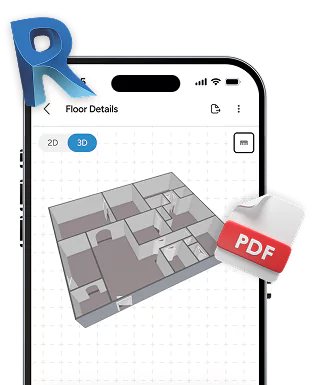
When you need files your contractor or architect can use, request Revit or AutoCAD models directly through the app.
Where We Fit vs Architects and Engineers
Faster valuations. Smarter insights. All, in one app.
We are not here to replace architects or engineers.
For major structural changes, permitting, or new builds, you still need a licensed professional to design, stamp, and seal your drawings.
Mapperty Spaceview is ideal when:
You’re making small to medium layout changes
You want accurate models and drawings your GC can build from
You already know what you want, and just need clear plans and 3D views
Disclaimer
Mapperty Spaceview provides modelling and drafting services only. We do not sign, stamp, or seal drawings as a Registered Architect or Professional Engineer. Please consult local codes and professionals for permit requirements in your area.
Features that Bring Spaces to Life
Mobile-Friendly Scanning
Use your iPhone/iPad to capture entire rooms, floors, or buildings with ease.
Real-Time 3D Visualization
Watch your scan turn into a digital model instantly- no waiting, no guesswork.
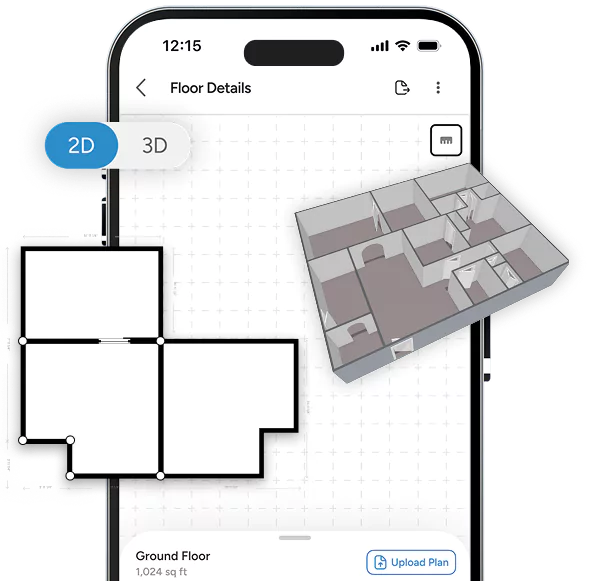
One-Tap Floor Plans
Generate precise 2D layouts for quick planning, documentation, or client sharing.
Cloud Dashboard
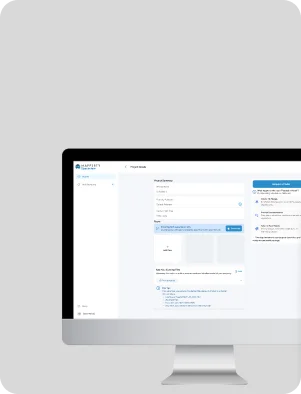
Access, organize, and collaborate on all your scans from one secure platform.
Professional Outputs
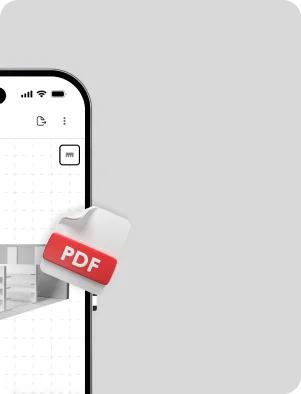
Export in Revit, PDF, DXF/DWG, or web-based 3D viewer formats to suit any project need.
Spaceview’s Appraiser module brings structure and simplicity to complex property evaluations, ensuring every report is complete, compliant, and ready for professional use. Here’s what it helps you capture:
1
Property & Site Details
Identification, characteristics, and neighborhood context
2
Market & Valuation Data
Comparable sales, listings, and cost or income approaches
3
Physical Attributes
Property use, occupancy, improvements, and condition
4
Documentation & Reports
Photos, sketches, legal data, compliance info, and sales history
5
Administrative Details
Client information, intended use, and report dates
A surefire way to make valuations faster, accurate, and insightful.
Easy Property Valuation
Capture detailed property data, including dimensions, condition, and unique features, all in one place.
Comparable Market Analysis
Quickly analyze similar properties available in the market to support accurate valuations.
Automated Valuation Models
Leverage captured data and market comparisons to generate reliable automated property valuations.
Professional Report Generation
Create comprehensive, ready-to-share appraisal reports directly within the app, saving time and improving workflow efficiency.
Why are Appraisers Choosing Spaceview?
Faster valuations. Smarter insights. All, in one app.
Streamlined Workflow
Perform valuations and inspections seamlessly within a single platform.
Expanded Reach
Connect with real estate professionals, lenders, and investors.
New Revenue Streams
Get premium appraisal features and services.
Data-Driven Insights
Gain actionable market trends and property insights from collected data.
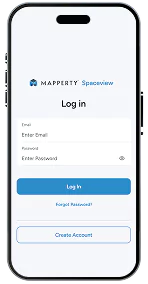
1. Sign Up
Get started by creating your Spaceview account in minutes.
2. Create a Project
Add project details and set the scope of what you want modeled.
3. Scan Your Floors
Use your device to scan each floor and capture accurate room layouts.
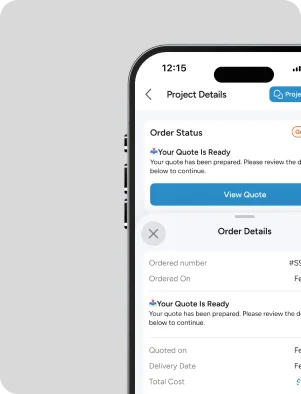
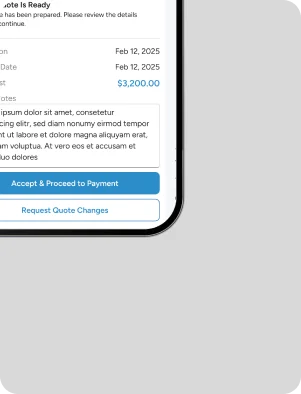
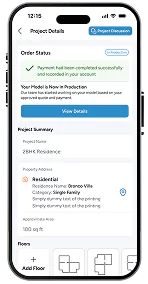
4. Order and Pay
Review your project, place the order, and complete secure payment.
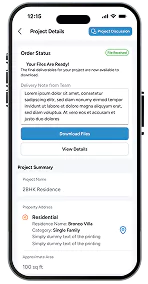
5. Receive Your Deliverables
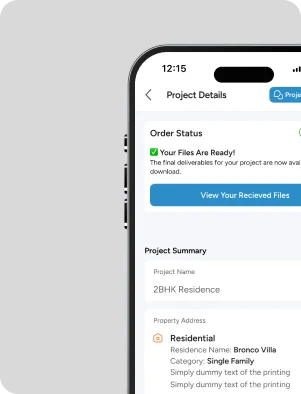
Get your high-quality, ready-to-use digital models delivered straight to your account.
Enjoy Full Access at Zero Cost
Spaceview is completely free to use for scanning and generating base models
For advanced or more complex models intended for personal or commercial use, pricing applies under our Fair Usage Policy, calculated only to cover operational costs.
No hidden fees. No inflated charges.
How Pricing Works
Step 1
Share your project details and required LOD.
Step 2
Our team reviews the scope and complexity.
Step 3
You receive a clear, cost-only estimate before we begin.
Enjoy Full Access at Zero Cost
Spaceview is completely free to use for scanning and generating base models
For advanced or more complex models intended for personal or commercial use, pricing applies under our Fair Usage Policy, calculated only to cover operational costs.No hidden fees. No inflated charges.
How Pricing Works
Step 1
Share your project details and required LOD.
Step 2
Our team reviews the scope and complexity.
Step 3
You receive a clear, cost-only estimate before we begin.
Blogs
Scan Tips
Heading Heading Heading Heading :
Heading
Streamline project execution with precise layouts and easy revision handling. Streamline project execution with precise layouts and easy revision handling.Streamline project execution with precise layouts and easy revision handling.
Scan Tips
Heading Heading Heading Heading :
Heading
Streamline project execution with precise layouts and easy revision handling. Streamline project execution with precise layouts and easy revision handling.Streamline project execution with precise layouts and easy revision handling.
Scan Tips
Heading Heading Heading Heading :
Heading
Streamline project execution with precise layouts and easy revision handling. Streamline project execution with precise layouts and easy revision handling.Streamline project execution with precise layouts and easy revision handling.